GitHub App
Enable PR Metrics. Connecting your GitHub organizations to TargetBoard enables access to all your PR metrics including Cycle Time, Time in Status, tracking of New, Open and Closed Pull Requests and m…
Enable PR Metrics
Connecting your GitHub organizations to TargetBoard enables access to all your PR metrics including Cycle Time, Time in Status, tracking of New, Open and Closed Pull Requests and many others.
Additionally, with the GitHub Copilot integration, TargetBoard can provide insights into your organizations usage of AI.
Prerequisites:
- For GitHub Organizations, the user installing the app must be an Organization owner.
- For GitHub Enterprises, the user installing the app must be an Enterprise owner.
- For GitHub Enterprises, the user installing the app must be an Enterprise owner.
- Go to github.com/apps/targetboard and click Install.
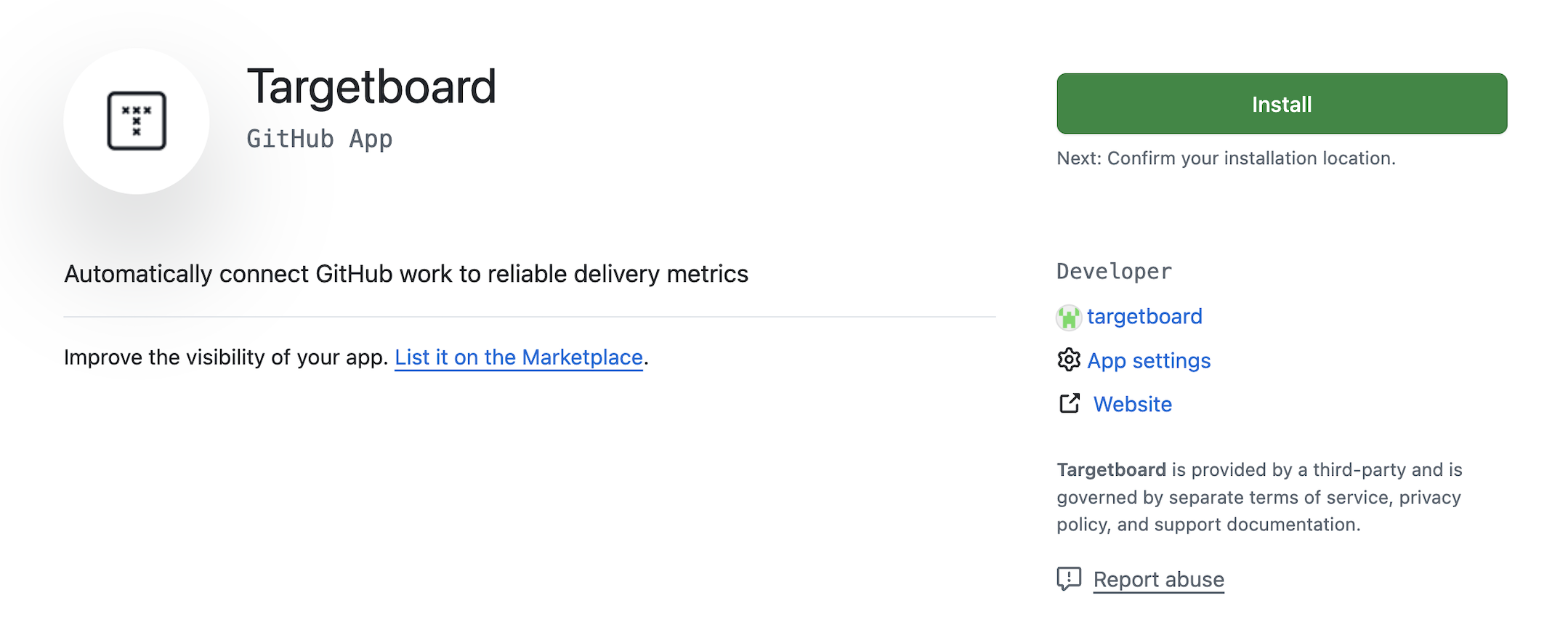
- Select the organization(s)/enterprise to install the app on.
- Select All repositories to ensure that TargetBoard can extract all of your data without gaps. Click Install.
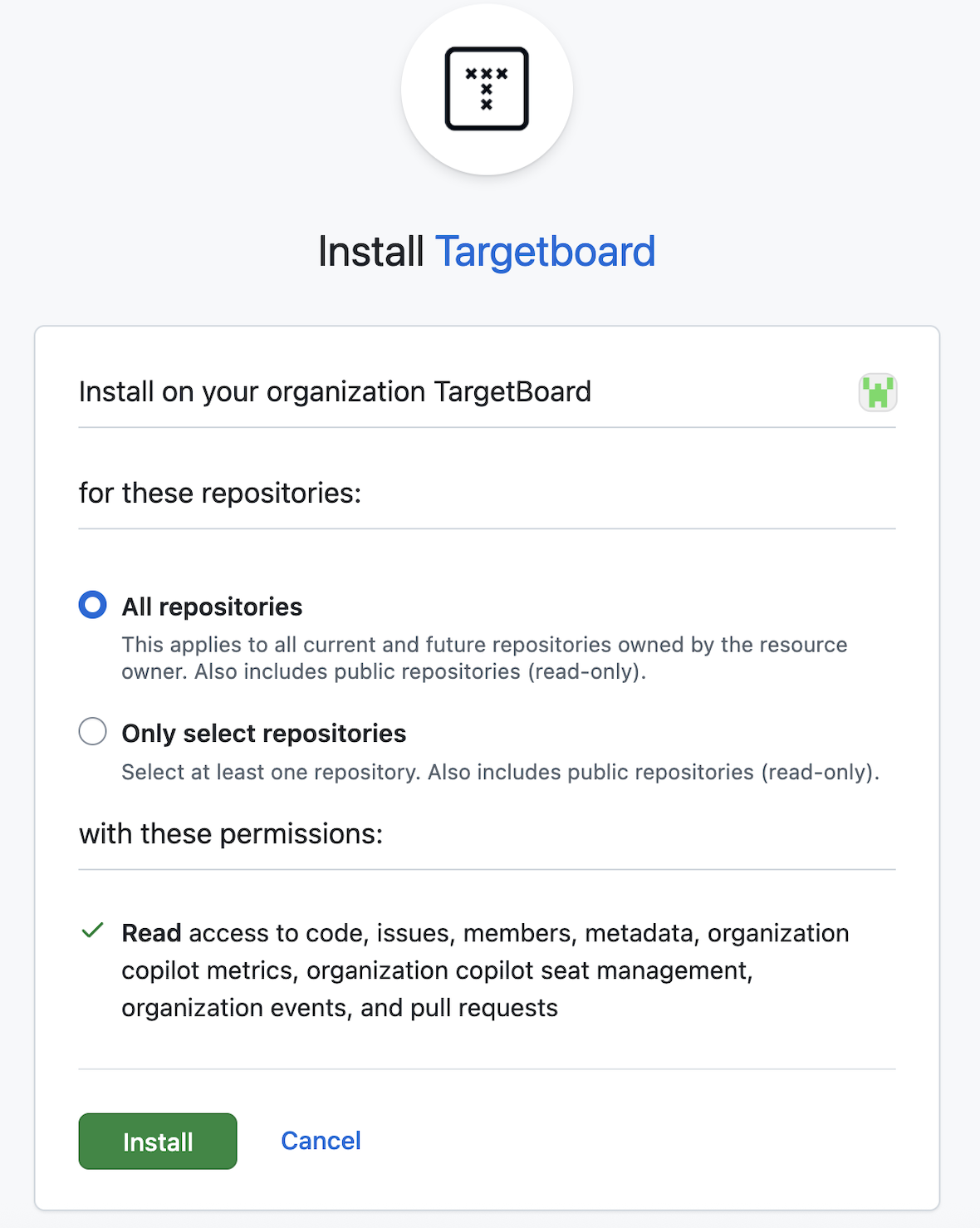
- Send your organization/enterprise name to your TargetBoard point of contact.
How did we do?
Fullstory Integration
GitLab Integration
